Install Our Calculator Programs
Our calculator programs come with your math tutoring and webinars, and they’re one of the best tools our students have. Follow the steps below to put them on your calculator.
Stuck on a step? Call us at (248) 788-8867.
Or bring your calculator to our office and we’ll install them for you.
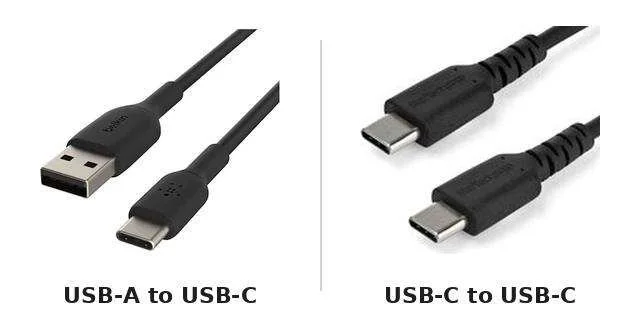
Step 3: Make Sure You Have Your USB-C Cable
Use the USB-C cable that came with your TI-84 Evo. It’s the same kind that charges newer iPhones (iPhone 15 and up) and most Android phones. If your computer only has USB-C ports, use a USB-C to USB-C cable.